




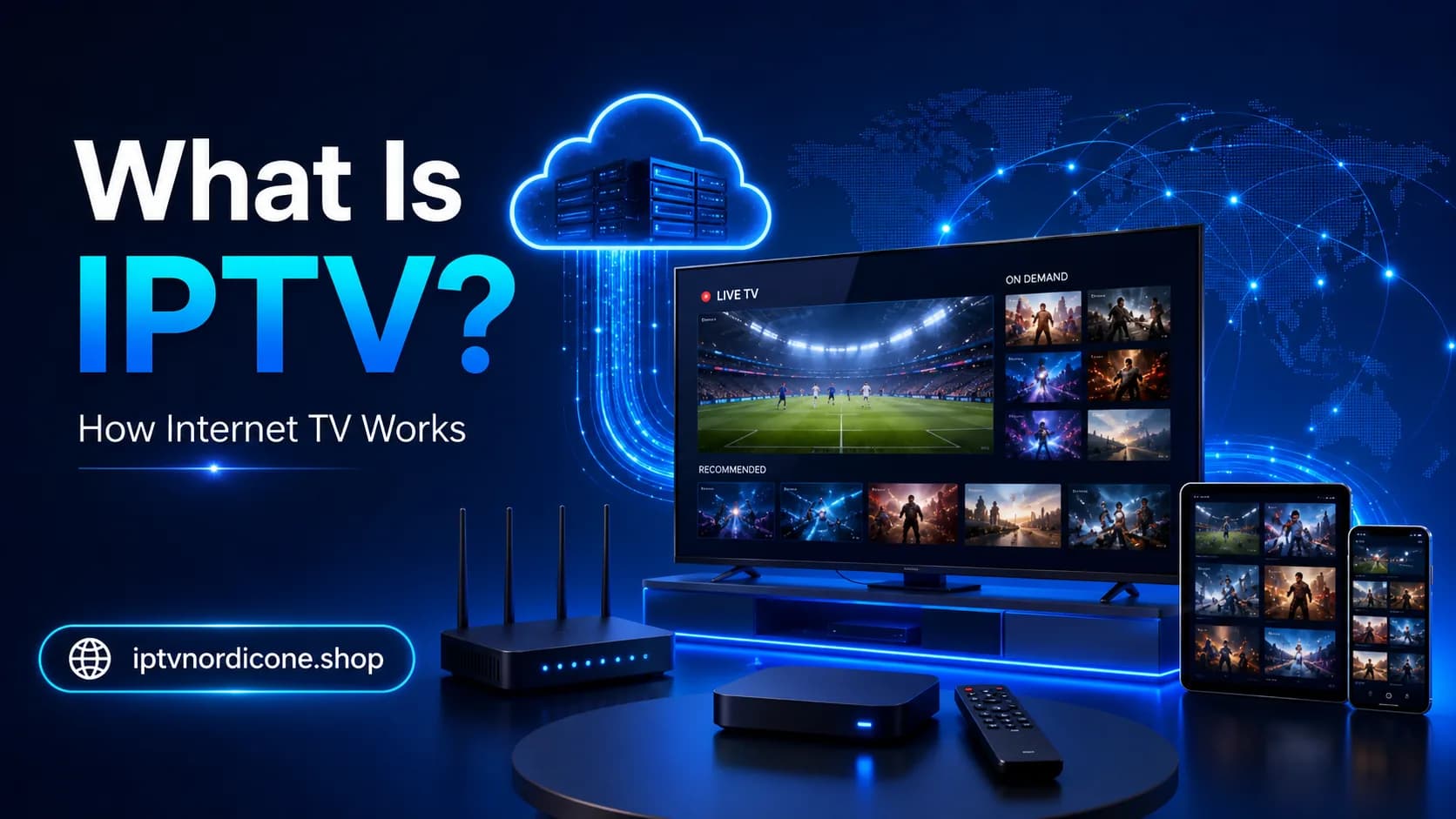
What Is IPTV? How Internet TV Works
What is IPTV and how does it work? Learn how IPTV differs from cable TV, what devices you need, and what to consider before choosing an IPTV subscription.
What Is IPTV? How Internet TV Works
The way we watch television has changed significantly in recent years.
In the past, watching TV usually meant relying on a coaxial cable, satellite dish, or a dedicated receiver supplied by your television provider. Today, television can also be delivered directly through your internet connection.
That is exactly what IPTV is about.
But what is IPTV? How does it work? Do you need a special television? And how is IPTV different from Netflix or traditional cable TV?
In this guide, we explain everything step by step.
No complicated technical terminology. Just a straightforward explanation that will help you understand what IPTV is, what you need to use it, and what to consider before choosing a subscription.
What Does IPTV Mean?
IPTV stands for Internet Protocol Television.
In simple terms, it means television content is delivered through your internet connection.
With traditional television, the signal may arrive through coaxial cable, fibre, satellite, or another dedicated television connection. With IPTV, video is transmitted as internet data, similar to the way websites, videos, and music are delivered to your devices.
As a result, you do not necessarily need a separate television cable for every TV in your home.
As long as your device can connect to the internet and supports a suitable IPTV app, you can often use it to watch television.
Compatible devices may include:
- Smart TVs;
- Android TV boxes;
- Formuler boxes;
- Amazon Fire TV Sticks;
- smartphones;
- tablets;
- laptops and computers;
- Apple TV;
- selected media players and streaming devices.
The main difference is therefore not only what you watch, but how the television signal reaches your device.
How Does IPTV Work?
The technology behind IPTV may sound complicated, but the basic process is relatively simple.
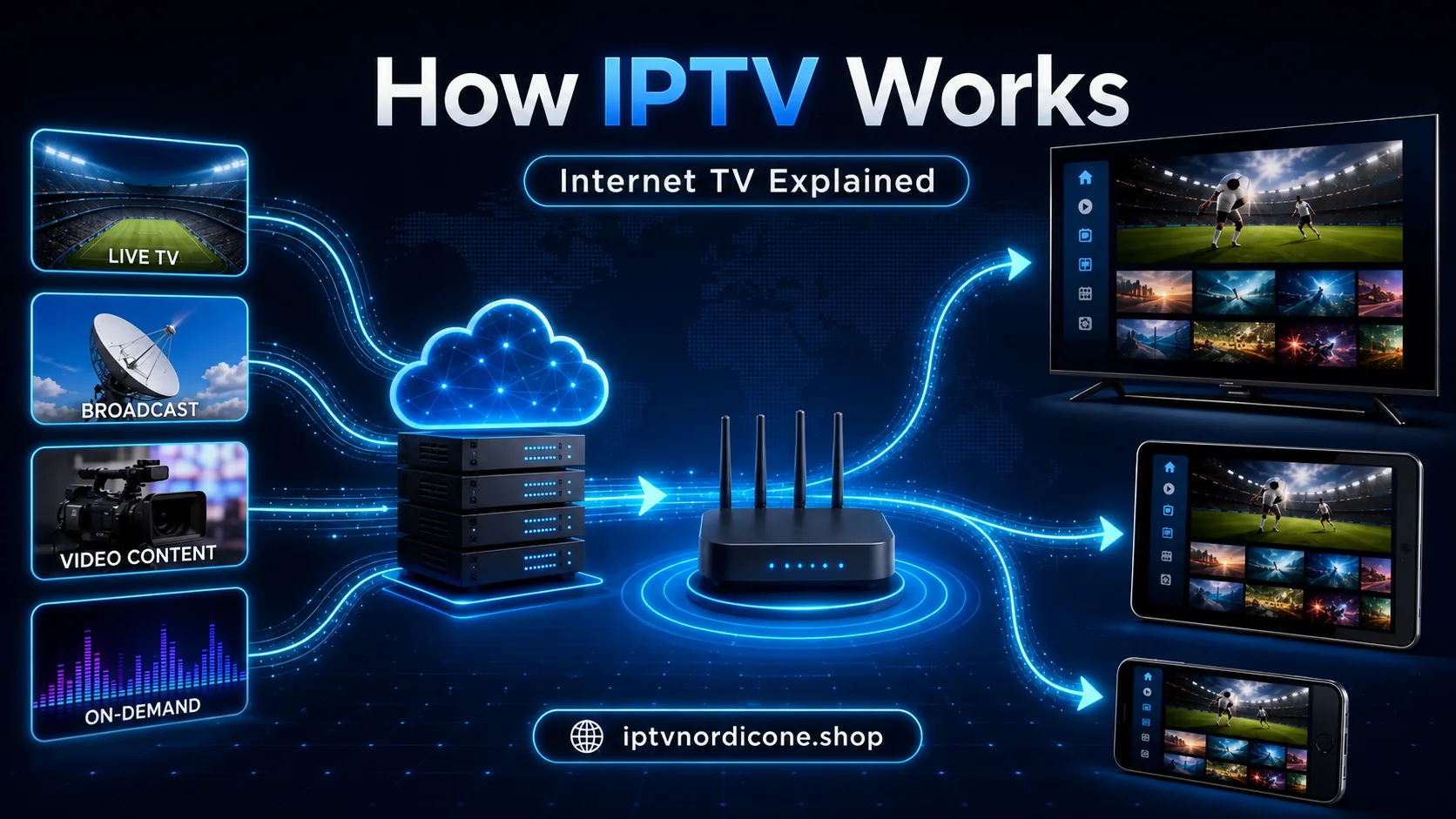
When you select a channel inside an IPTV app, the app connects to a server. That server sends the video stream over the internet to your device.
The app receives the video data, processes it, and displays the picture and sound on your screen.
This normally happens almost instantly.
A typical IPTV connection consists of four main components:
- The content sourceThis is the original television broadcast or video file.
- The IPTV serverThe server processes and distributes television channels and video streams.
- Your internet connectionYour connection carries the stream from the server to your home.
- Your device and IPTV appYour device receives the stream, while the app converts the incoming data into video and audio.
When all four components work correctly, you barely notice the technology involved. You open the app, choose a channel, and start watching.
If one of these components has a problem, however, you may experience buffering, error messages, freezing, or channels that fail to start.
That is why internet speed is not the only factor that matters. Wi-Fi stability, device performance, app configuration, and server performance can all affect your viewing experience.
Is IPTV the Same as Netflix?
Not exactly.
Netflix, Disney+, and similar platforms also use the internet to deliver video. However, these services are generally described as streaming platforms or video-on-demand services.
When people talk about IPTV, they usually mean a television service where live TV channels are one of the main features.
Depending on the service, IPTV may include:
- Nordic television channels;
- international channels;
- live sports;
- news;
- children's channels;
- music channels;
- movies and series;
- radio stations;
- catch-up television.
The main difference lies in the content and how you consume it.
With Netflix, you normally choose a movie or series from a library and watch it whenever you want.
With IPTV, you can also watch live television as programmes are being broadcast.
Many IPTV services combine both formats, offering live television together with an on-demand library of movies and series inside the same app.
What Is the Difference Between IPTV and Cable TV?
From the viewer's perspective, IPTV and traditional television can feel very similar. You select a channel and start watching.
Behind the scenes, however, they work differently.
| IPTV | Traditional Cable TV |
|---|---|
| Delivered through the internet | Delivered through coaxial cable, fibre, satellite, or another dedicated TV connection |
| Can work on many different devices | Often tied to a receiver or television connection |
| Usually requires an app | Usually requires a receiver, set-top box, or CI+ module |
| Easy to move between compatible devices | Usually more closely tied to the home or provider |
| Quality depends heavily on internet stability | Quality depends mainly on the television network |
| Can combine live TV and on-demand content | Content depends on the provider's package |
One of IPTV's main advantages is flexibility.
You are not necessarily limited to a single television in your living room. Depending on the service, you may be able to use IPTV on a TV, tablet, smartphone, computer, or streaming device.
However, installing the same account on multiple devices does not necessarily mean you can watch on all of them simultaneously.
Many IPTV subscriptions include only one active connection by default.
If you want to watch on two televisions at the same time, check how many simultaneous connections your subscription allows before ordering.
What Types of IPTV Are There?
IPTV is not a single feature. It is a general term that covers several ways of watching television and video through the internet.
1. Live Television
This is the format that most closely resembles traditional television.
You select a channel and watch whatever is currently being broadcast.
Examples include live news, sporting events, entertainment programmes, and television shows.
2. Video on Demand
Video on demand allows you to choose what you want to watch and when you want to watch it.
Depending on the service, the library may include movies, series, documentaries, and children's programmes.
3. Catch-Up TV
Some services provide catch-up functionality.
This allows you to watch selected programmes after they have already been broadcast.
Not every channel or IPTV service supports catch-up, and the period for which programmes remain available can vary.
4. Electronic Programme Guide
An EPG, or Electronic Programme Guide, shows what is currently playing and what will be broadcast later.
A good programme guide makes it easier to browse channels and see when your favourite programmes begin.
5. Radio and Other Media Channels
Some IPTV packages may also include radio stations, music channels, and specialised thematic channels.
What Do You Need to Watch IPTV?
You usually do not need a complicated setup.
In most cases, four things are enough.
A Stable Internet Connection
IPTV works best when your internet connection is stable enough to receive video continuously.
For Full HD, approximately 15 to 25 Mbps per active stream is often sufficient. 4K generally requires more bandwidth.
The exact requirement depends on the resolution, compression, and bitrate of the stream.
However, a fast internet connection is not automatically a stable one.
For example, your speed test may show excellent results while your Wi-Fi connection briefly drops every few minutes. Those short interruptions can still cause buffering during live television.
Whenever practical, using an Ethernet cable can provide a more consistent connection.
A Compatible Device
Many modern Smart TVs can install IPTV apps directly.
If your television does not support a suitable app or its built-in software is too slow, you can use an external streaming device such as an Android TV box, Fire TV Stick, or Formuler box.
External devices can be especially useful with older televisions.
In that setup, the television mainly acts as the display while the external device handles the app and video stream.
An IPTV App
The IPTV app is the player you use to browse and open channels.
Popular examples include:
- TiviMate;
- IPTV Smarters;
- IBO Player;
- SmartOne IPTV;
- VLC;
- device-specific IPTV applications.
Not every app is available on every platform.
Before choosing an app, check whether it is compatible with your television, streaming box, smartphone, or other device.
Access Details From Your Provider
After purchasing a subscription, your provider will normally send you the information required to add the service to your IPTV app.
This may include:
- Xtream Codes login details;
- an M3U URL;
- a portal address;
- a username and password;
- device-specific configuration details.
The exact method depends on the IPTV app and provider you use.
At iptvnordicone.shop, we also help customers with the installation and configuration of their devices so they do not have to work through every setting on their own.
Does IPTV Work on Every Smart TV?
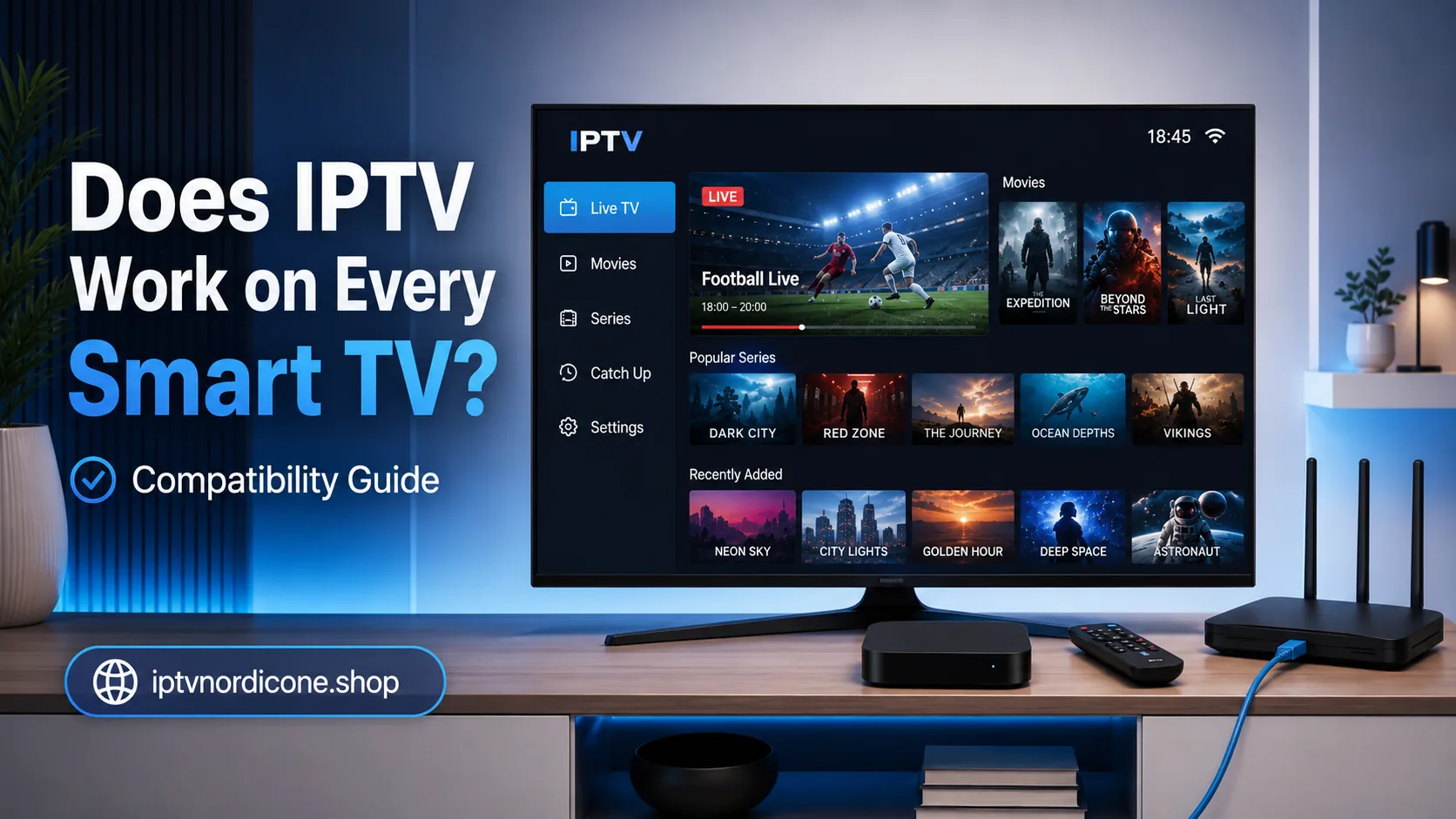
IPTV works on many Smart TVs, but the available apps and installation process vary between manufacturers.
Samsung and LG use their own operating systems and application stores.
Android TV and Google TV devices generally provide access to the Google Play Store.
Other television manufacturers may use different platforms entirely.
As a result, an IPTV app available on Android TV may not be available on a particular Samsung or LG television.
Before installing IPTV, check three things:
- Which operating system does your television use?
- Which IPTV apps are available in its app store?
- Is the television powerful enough to handle the video quality you want?
Older televisions may respond slowly when loading large channel lists or high-bitrate video streams.
That does not necessarily mean you need to replace your TV.
An affordable streaming stick or Android TV box can often solve the problem. These devices may support newer apps and more capable hardware than the software built into an older Smart TV.
How Fast Should Your Internet Be for IPTV?
There is no single internet speed that works for every IPTV stream.
The required bandwidth depends on several factors, including resolution, compression, frame rate, and bitrate.
As a practical guideline:
| Video Quality | Recommended Stable Speed |
|---|---|
| SD | Around 5 Mbps or more |
| HD | Around 10 Mbps or more |
| Full HD | Approximately 15–25 Mbps |
| 4K | Approximately 35–50 Mbps or more |
The important word here is stable.
A speed test may show 100 Mbps, for example, while your internet connection briefly drops every few minutes. Even a short interruption can become noticeable during a live stream.
Other devices in your home also use bandwidth.
If someone is downloading a large game, running a cloud backup, or watching several 4K videos at the same time, less bandwidth remains available for IPTV.
For the most useful result, test your internet connection on the device you actually plan to use and at roughly the same time of day you normally watch television.
Is IPTV Legal in the Nordic Countries?
IPTV technology itself is legal.
Many legitimate telecommunications companies, broadcasters, and television providers use IPTV technology to deliver television over the internet.
The legal question is primarily about the content being distributed and whether the provider has the necessary rights to offer it.
A service needs appropriate permission or licensing to distribute television channels, films, series, sporting events, and other protected content.
If a provider distributes copyrighted content without the required rights, legal issues may arise.
That is why you should not evaluate a service purely based on the number of channels offered or an unusually low price.
Consider factors such as:
- who operates the service;
- whether clear contact information is available;
- whether terms and conditions are provided;
- which payment methods are supported;
- whether customer support is available;
- how trial accounts work;
- how transparent the provider is about its service.
A free trial can help you evaluate the technical performance of a service, but it does not automatically confirm that every piece of content offered is properly licensed.
Always use IPTV and other streaming services in accordance with applicable local laws and the provider's terms.
What Are the Advantages of IPTV?
IPTV has become popular largely because of its flexibility.
Watch on Different Devices
You are not necessarily restricted to a single television receiver.
Depending on the service and subscription, IPTV can be used on a television, smartphone, tablet, computer, or streaming device.
Live TV and On-Demand Content in One App
Many viewers appreciate having live television and on-demand movies or series available from the same interface.
No Traditional TV Connection Required
Because television is delivered through the internet, you do not necessarily need a coaxial cable or satellite dish.
Useful Search and Favourites Features
Many IPTV apps allow you to save favourite channels, hide unwanted categories, organise lists, and search quickly.
Access to International Channels
Internet-based delivery makes it technically easier to offer television channels from several countries through a single platform.
Flexible Installation
If you move house or purchase a new television, you may only need to reinstall the IPTV app and add your account details again.
What Are the Disadvantages of IPTV?
IPTV also has some limitations.
Your Connection Must Be Stable
An unstable internet connection can cause buffering, interruptions, or reduced picture quality.
Apps Vary in Ease of Use
Some IPTV apps are very straightforward, while others include many settings that may be confusing for new users.
Older Devices May Struggle
Older Smart TVs may become slow when processing very large channel lists or high-bitrate streams.
Quality Varies Between Providers
Your experience depends heavily on server performance, customer support, stream sources, and account configuration.
Multiple Devices Do Not Always Mean Simultaneous Viewing
An account may be installed on several devices but still allow only one active stream at a time.
Always check the number of simultaneous connections included with your subscription.
How Do You Choose an IPTV Subscription?
A very long channel list is not necessarily the most important sign of a good IPTV subscription.
Thousands of channels are not particularly useful if the app is difficult to navigate or the channels you actually want to watch do not perform reliably.
Instead, focus on the following factors.
1. The Channels You Actually Watch
Do not look only at the total number of channels.
Check whether the Nordic and international channels that matter to you are included.
You can view our Nordic IPTV channel list for more information.
2. Installation Support
Clear installation instructions can be particularly useful for new IPTV users.
A provider that only sends login credentials without explaining how to configure your device may make the process unnecessarily difficult.
3. Device Compatibility
Make sure the service works with your Smart TV, Android TV box, smartphone, tablet, or other streaming device.
4. Number of Simultaneous Connections
If you want to watch on more than one television at the same time, check how many active connections are included.
5. Trial Period
A trial account allows you to test stream performance on your own device and internet connection before committing to a longer subscription.
6. Clear Pricing and Terms
Check exactly what is included, how long the subscription lasts, and what level of support is available.
Compare our IPTV subscription plans to see which option best matches your viewing needs.
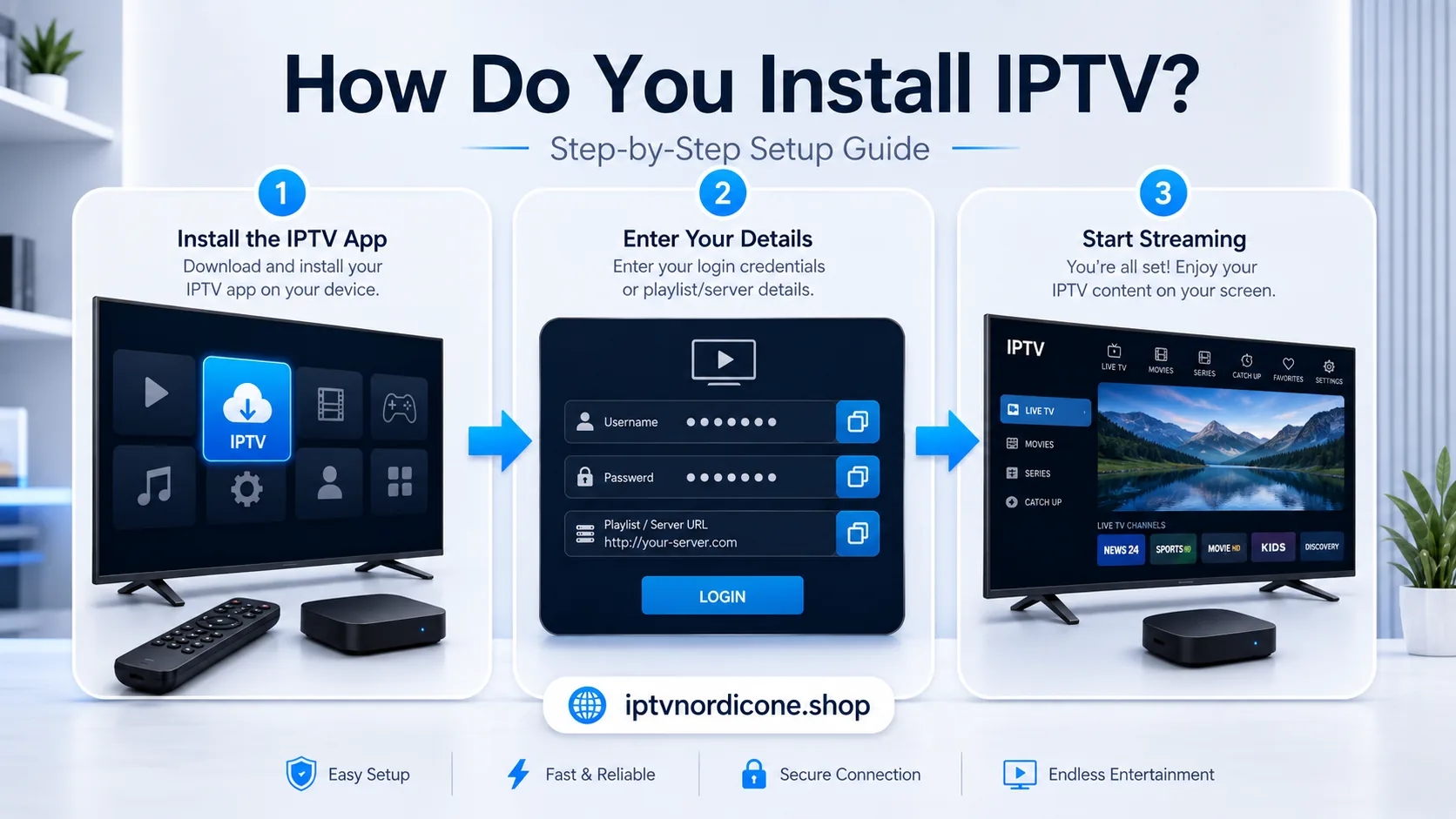
How Do You Install IPTV?
The exact installation process depends on your device, but most setups follow a similar pattern:
- Choose a compatible IPTV app.
- Install the app on your television or streaming device.
- Open the app.
- Add the details provided with your subscription.
- Allow the channel list and programme guide to load.
- Save your favourite channels.
- Test several channels.
- Adjust player or buffering settings if necessary.
Some apps require a MAC address or device key.
Others ask you to enter a username, password, and server address.
Always follow the instructions that apply to your particular device and app.
At iptvnordicone.shop, we help customers not only with IPTV access but also with the installation and configuration of their devices.
Frequently Asked Questions About IPTV
Do You Need a Smart TV for IPTV?
No.
IPTV can also be watched through an Android TV box, Fire TV Stick, Apple TV, laptop, smartphone, or tablet.
A regular television can often be used with an external streaming device as long as it has a compatible HDMI connection.
Can You Watch IPTV Over Wi-Fi?
Yes, although an Ethernet connection is generally more stable.
A strong Wi-Fi connection can work perfectly well, especially when your router is nearby.
However, distance, walls, interference, and network congestion may cause the connection to fluctuate.
Can IPTV Be Installed on Multiple Devices?
Often, yes.
However, that does not necessarily mean all of those devices can stream simultaneously.
The number of simultaneous connections depends on your subscription.
Why Does IPTV Buffer?
Buffering can be caused by unstable Wi-Fi, a congested home network, a slow device, incorrect app settings, server load, or a problem with the original stream.
You can also browse our IPTV setup guides for more troubleshooting help.
Do You Need a VPN for IPTV?
Not by default.
A VPN may sometimes help when your internet provider uses an inefficient network route, but it can also reduce your connection speed.
Before using a VPN as a solution, test your local network, Wi-Fi connection, device, and app first.
Is a Free IPTV Trial Useful?
Yes.
A trial allows you to check whether the app works properly on your device, whether your connection is stable enough, and whether the channels you are interested in are available.
For the most accurate test, use the same device and internet connection you plan to use regularly.
Conclusion: IPTV Is Television Delivered Through the Internet
At its core, IPTV is straightforward.
Television channels, movies, series, and other video content are delivered over the internet to an app running on your television or another compatible device.
To use IPTV, you generally need a stable internet connection, a compatible device, an IPTV app, and access details from your provider.
Its main advantages are flexibility, support for different devices, and the ability to combine live television with on-demand content in a single app.
The quality of your experience, however, depends on your internet connection, device, application, and provider.
At iptvnordicone.shop, we help customers not only with IPTV access but also with the installation and configuration of their devices.
Want to see how the service performs on your own television and internet connection before choosing a longer subscription?
Compare our IPTV subscription plans, browse the Nordic IPTV channel list, or use the plan section to request a trial and test the service on your own setup.
Written by
IPTV Nordic One Editorial Team
IPTV setup and streaming support
Our editorial team writes practical IPTV guides for viewers in the Nordic countries, with a focus on device setup, stable streaming, app configuration, and clear troubleshooting steps.
Useful IPTV resources
Continue with the most relevant setup, channel, and subscription pages.